Does my phone support eSIM? Check before you buy
Your phone needs eSIM hardware, an eligible regional variant, and no carrier lock before it can use a travel eSIM. Search for the model below, then check the phone itself for Add eSIM, Set up eSIM, or an EID.
A model match is useful, but it is not a guarantee. Manufacturers can sell the same phone family with different SIM hardware or software in different countries. Carrier restrictions can also block an otherwise compatible phone.
Interactive phone checker
Check your phone before buying an eSIM
Find the model, then confirm the setting and carrier lock on the phone itself.
A model match can still differ by exact model number, country or region of sale, carrier, software, and SIM lock. Confirm an Add eSIM option or EID on your phone before buying.
Find your phone
Search by brand or model
Cannot find the exact model? Search the model number from Settings or choose the manual result.
Model result
Your phone details will appear here
- Choose a brand or type the model.
- Select the closest exact match.
- Confirm the settings and carrier lock.
The two checks that matter most
First, look for an eSIM setup option in the phone's network settings. Second, confirm that the phone is unlocked and can accept a plan from another provider. Complete both checks before checkout.
The usual settings paths are:
| Phone | Where to look |
|---|---|
| iPhone | Settings > Cellular or Mobile Data > Add eSIM |
| Samsung Galaxy | Settings > Connections > SIM manager > Add eSIM |
| Google Pixel | Settings > Network & internet > SIMs > Add SIM > Set up an eSIM |
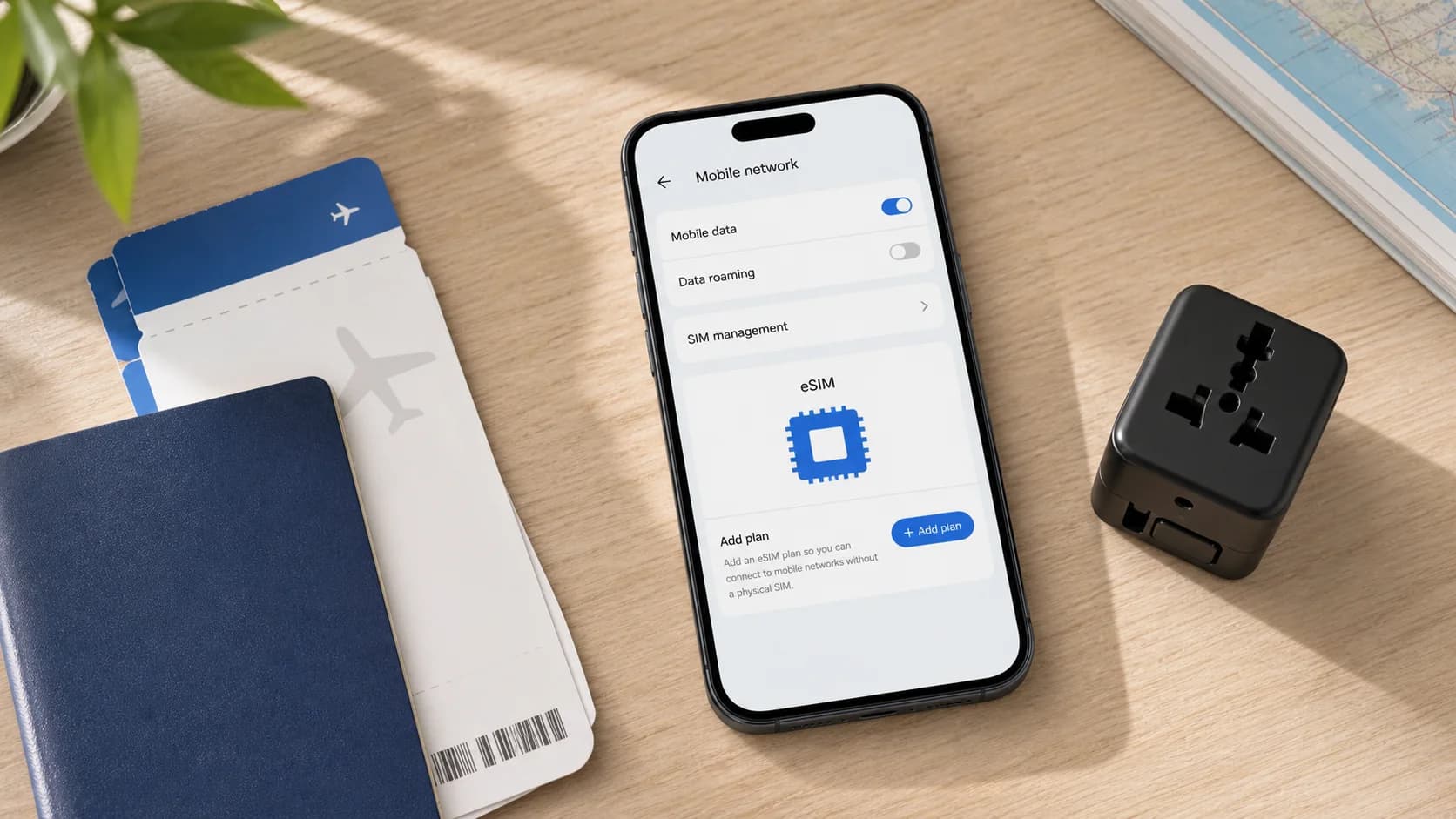
| HONOR | Settings > Mobile network > SIM management > Add eSIM |
| Xiaomi | Settings > Mobile networks > Turn on eSIM > Manage eSIM |
| Other Android phones | Open Network, Mobile network, or SIM settings and look for an eSIM option |
Menu names can change with the software version. If you cannot find the option, search the settings app for eSIM or EID. An EID is the identifier for the phone's embedded SIM hardware. It often appears under About phone, Phone identity, or the device information shown by *#06#.
Check whether an iPhone is carrier unlocked
On an iPhone, open Settings > General > About and find Carrier Lock. Apple's wording for an unlocked phone is No SIM Restrictions. If another message appears, contact the carrier that sold the phone before buying a travel eSIM.
Apple's Dual SIM guide lists eSIM-capable iPhone generations and explains that two different carriers require an unlocked iPhone. Apple also documents important SIM differences by model and sales region.
Android does not have one universal lock-status screen. The dependable check is to ask the carrier or retailer that supplied the phone. Give them the exact model number and IMEI rather than the marketing name alone.
Why the country of purchase can change the result
The same phone name does not always mean the same SIM configuration. Manufacturers create regional variants for local carriers and regulations. A settings menu shown in a review from another country may be missing on your device.
Apple states that most iPhones bought in mainland China do not support eSIM, with current exceptions for iPhone 17e and iPhone Air. Samsung says Galaxy eSIM availability can vary by country, carrier, software, and device model. Its Galaxy A-series support is particularly dependent on the sales region.
Google gives a clearer cutoff for recent Pixel phones: Pixel 4 and later work with eSIM, while Pixel 2, Pixel 3, and Pixel 3a have seller and region restrictions. HONOR and Xiaomi also tell customers to confirm local availability even when a model family includes eSIM.
Use the checker result as a starting point. The Add eSIM menu or EID on the actual phone is the stronger signal.
What if the model is not in the checker?
An unlisted phone is not automatically incompatible. New releases and regional models can appear before a manufacturer updates its support pages. Older models may also use a different name in another market.
Use this manual process:
- Open Settings > About phone and copy the exact model number.
- Search the settings app for eSIM, Add SIM, or EID.
- Check the manufacturer's specification page for that model number and country.
- Ask the original carrier whether the phone is unlocked.
- Contact support before buying if any result conflicts with another.
Do not rely on the presence of a physical SIM tray. Some phones support both a nano-SIM and eSIM, some use eSIM only, and others have two physical SIM slots with no eSIM hardware.
What happens if the phone is locked?
A carrier-locked phone may support eSIM but reject a travel plan from another provider. The current carrier controls the unlock process and may apply account, payment, or minimum-service requirements.
Unlock the phone before purchasing. Installing the plan first does not remove the lock, and deleting the eSIM profile will not fix it.
Questions about eSIM compatibility
Does every recent iPhone support eSIM?
No. Most recent iPhones support eSIM, but the sales region matters. Check the exact model number and look for Add eSIM in Cellular or Mobile Data settings.
Does every Samsung Galaxy phone support eSIM?
No. Support is common in recent Galaxy S, Z Fold, and Z Flip families, but it is not standard across every Galaxy A, M, or regional variant. Check SIM manager on the phone.
Can software add eSIM to a phone that has no eSIM hardware?
No. A software update may enable or expose a feature already built into a regional variant, but it cannot add the embedded SIM hardware to a phone that lacks it.
Can I use a travel eSIM if the phone is locked?
Usually not when the plan comes from a different provider. Ask the carrier that sold the phone to unlock it first.
Is seeing an EID enough?
An EID is strong evidence that the phone has eSIM hardware. You still need an unlocked device, suitable software, and a plan that can be installed on that regional variant.
After your phone passes both checks
Once you can see the eSIM setting and confirm the phone is unlocked, compare travel eSIM plans for the countries on your route. Review the coverage, data allowance, validity period, activation trigger, and hotspot terms before paying.