2026 solar eclipse eSIM guide for Spain and Iceland
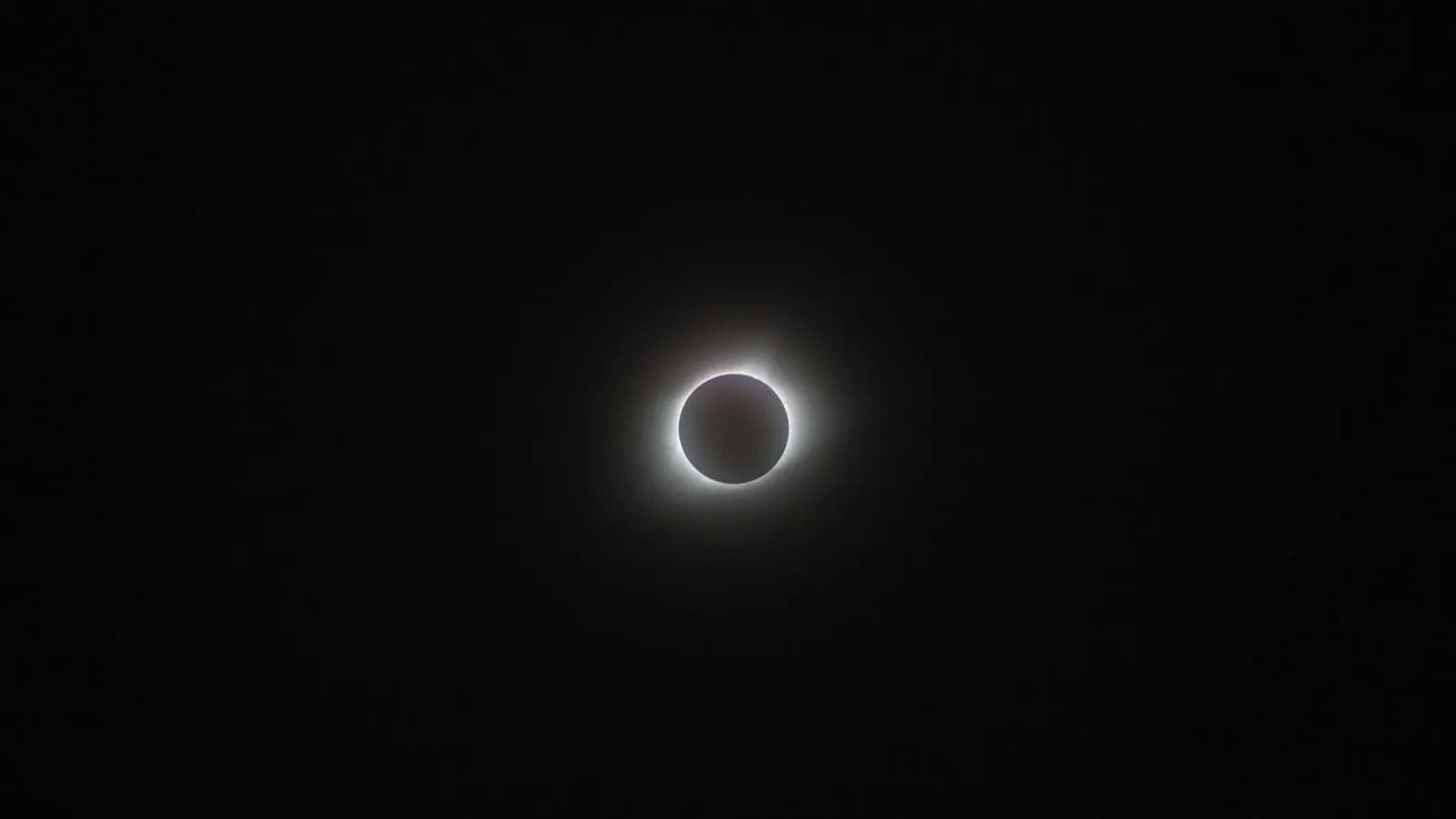
The August 12, 2026 total solar eclipse crosses western Iceland and northern Spain. If your trip stays in one country, choose a Spain eSIM or Iceland eSIM. A Europe eSIM is the better starting point when the same trip includes both countries or other European stops.
Install the eSIM on reliable WiFi before departure when the plan's activation policy allows it. Then download maps, road information, weather pages, tickets, and accommodation details for offline use. An eSIM can give you mobile data, but it cannot prevent slow service in a large crowd or create coverage in a remote area with a weak local signal.
Quick answer
For eclipse travel, the most useful plan is the one that covers your actual route and works before you leave the airport. Do these checks before August 12:
- Confirm your phone supports eSIM and is unlocked
- Match the plan to Spain, Iceland, or your wider European route
- Read when validity starts before installing the profile
- Save the eSIM instructions somewhere private that you can reach offline
- Download the viewing location, return route, and one backup route
- Turn off automatic photo backup and app updates on mobile data
- Carry a charged power bank and the correct cable
The Spanish National Geographic Institute eclipse map shows the path across Spain. Iceland's official self-guided traveler advice covers traffic, parking, remote services, and safe viewing.
Why mobile data needs a separate eclipse plan
Most eclipse guides focus on the path of totality, cloud cover, accommodation, and eye protection. Your phone plan deserves its own preparation because eclipse day combines several awkward conditions at once: unfamiliar roads, last-minute weather checks, crowded viewing sites, and a rush to leave after totality.
You may need mobile data to:
- Check a current cloud forecast before committing to a viewing area
- Read road restrictions and traffic updates
- Navigate to designated parking without relying on roadside stops
- Contact accommodation, a tour operator, or your travel group
- Open a train, bus, ferry, rental, or hotel booking
- Use translation or call a taxi where app-based rides are unavailable
- Share a location if your group becomes separated
Mobile service may slow when many people use the same local cells. Buying a second eSIM that connects to the same underlying network does not remove that bottleneck. Offline copies are the fallback, not a more expensive package name.
Spain or Iceland: which eSIM coverage should you choose?
Choose coverage from the itinerary, not from the eclipse path as a whole.
| Eclipse trip | Plan to compare first | Why |
|---|---|---|
| Spain only | Spain eSIM | Covers a trip contained within Spain |
| Iceland only | Iceland eSIM | Covers Reykjavik and western Iceland, subject to the local partner network |
| Spain and Iceland | Europe eSIM | One regional plan may cover both countries |
| Spain or Iceland plus several European stops | Europe eSIM | Avoids changing plans at each border when every destination is included |
| Europe plus a stop outside the regional plan | Global eSIM | Can cover a wider route when the country list fits |
Open the live package details before paying. Confirm every country, the validity period, the data allowance, hotspot terms, activation timing, and any high-speed limit. Regional plans do not all include the same destinations.
The country eSIM vs regional eSIM guide explains the broader choice. For this event, a country plan is enough when every flight, hotel, and viewing site is in one country.
What changes between Spain and Iceland?
Spain offers a long path of totality across the north of the country and into the Balearic Islands. The eclipse happens late in the day, so hills, buildings, and a blocked western horizon can matter as much as the line on a map. Use the official IGN map for your exact location and timing.
In Iceland, totality crosses the Westfjords, West Iceland, the capital area, and the Reykjanes Peninsula. Official guidance warns that visitor numbers and traffic will put pressure on local infrastructure. Some remote areas have limited services and phone coverage.
That difference affects phone preparation:
- In Spain, save the exact viewing point, legal parking, and walking route. Do not assume a taxi or ride app will be available after the eclipse.
- In Iceland, download a wider offline area. Road controls, weather, and distance between services can change the route you planned at breakfast.
- In either country, keep one safe viewing plan and one realistic backup. A desperate cross-country cloud chase can leave you stuck in traffic before totality.
For Iceland, check the official road and traffic plan before setting out. The Reykjanes eclipse travel page lists viewing sites, planned traffic controls, parking guidance, and current safety advice.
Will mobile networks work during the eclipse?
Probably, but do not plan as though fast service is guaranteed. A phone may show 4G or 5G while data moves slowly because the local cell is busy. Rural terrain and distance from a mast can also weaken service.
An eSIM uses a local partner network. It does not create a separate eclipse network, and it cannot override road closures or a weak signal at a remote cliff, beach, field, or mountain road.
Prepare for three possible states:
| What your phone shows | What it may mean | What to do |
|---|---|---|
| Strong signal and working data | The local cell has capacity | Refresh official information and save anything you still need |
| Signal bars but slow or stalled data | The local cell may be congested | Stop repeated uploads, use saved maps, and try again later |
| No service | Coverage is weak, blocked, or unavailable | Use offline plans and move only when it is safe and permitted |
If your eSIM supports more than one partner network, follow the provider's instructions before changing network selection manually. Random switching can make troubleshooting harder.
What to download before leaving your hotel
Take ten minutes on WiFi and make the phone useful without a connection.
Download or save:
- The viewing area and return route in your map app
- A screenshot or offline copy of official parking and road restrictions
- Your hotel address and check-in details
- Rental-car, tour, rail, bus, or ferry bookings
- The phone number for your accommodation and travel provider
- Translation languages for Spain or Iceland
- The provider's eSIM setup and support instructions
- A meeting point for anyone traveling with you
Keep the eSIM QR code or installation link private. It is account access information, not something to post in a group chat or social feed.
For Spain, save the IGN eclipse page and local authority updates for the municipality where you will watch. For Iceland, save road.is, the Icelandic Met Office forecast, and the official eclipse page for your region. Refresh those sources before leaving WiFi, then rely on the saved plan if the network becomes slow.
How much data do you need for eclipse travel?
The eclipse itself uses almost no data. Navigation, weather maps, social video, cloud backups, and hotspot use determine the allowance.
| Phone use during the trip | Practical starting point |
|---|---|
| Maps, messages, bookings, and occasional weather checks | 1GB-3GB for a short trip |
| Daily navigation, regular social posts, and travel apps | 3GB-5GB for about a week |
| Frequent photo uploads, video, or a longer route | 5GB-10GB or more |
| Laptop hotspot, live video, or remote work | Estimate from recent use and check hotspot limits |
These are planning ranges, not guarantees. Check your phone's recent mobile-data use and enter your travel habits in the travel data calculator. Download large files and update apps on WiFi before eclipse day.
An unlimited plan may still reduce speed after a daily or total high-speed allowance. Read the policy before relying on it for a live stream or laptop hotspot.
When should you install the eclipse eSIM?
Buy early enough to confirm compatibility and contact support, then install on reliable WiFi if the provider says installation will not start the validity period too soon.
Installation and activation are not always the same event. Some plans begin when the eSIM first connects to a supported network. Others start when installed or after a manual activation step. Read the rule for the exact package.
The eSIM installation timing guide covers these activation triggers in detail. Do not delete a profile as your first troubleshooting step because many eSIMs can only be installed once.
On arrival:
- Select the travel eSIM as the mobile-data line.
- Enable data roaming on that line if the provider requires it.
- Turn off cellular data switching if you want to stop the home SIM from using paid roaming.
- Test a map and a web page before leaving the airport or hotel WiFi.
- Save support details once the connection works.
Calls, messages, and emergency planning
Many travel eSIMs are data-only. They can run WhatsApp, iMessage, FaceTime, Signal, maps, and web-based calling, but they may not include a Spanish or Icelandic phone number, carrier calls, or SMS.
You can often keep your regular SIM active for calls and verification texts while the eSIM handles data. Check your home carrier's roaming charges first. If standard voice service matters, choose a package that explicitly includes calls and a number.
Spain and Iceland both use 112 for emergencies. A data-only eSIM is not a substitute for understanding how your phone will place an emergency call. Keep your group together where possible, choose official viewing areas, and tell someone where you plan to be.
The calls and SMS with eSIM guide explains data-only plans, app calls, dual-SIM use, and phone numbers.
Phone photography without losing the event
Do not point a phone, camera, binoculars, or telescope at the bright Sun without the correct solar filter. Eclipse glasses protect your eyes during the partial phases, but they are not a camera filter.
NASA's eclipse viewing safety guidance explains when eye protection is required and why optical devices need a filter fixed to the front. The American Astronomical Society also maintains a safe solar viewer supplier list.
Practice before August 12. Decide whether you want one short clip, a few photos, or no phone at all during totality. Continuous recording, live streaming, and automatic uploads use battery and data at the moment the local network may be busiest.
Eclipse-day phone plan
Use a simple sequence so the phone helps instead of becoming another task.
Before leaving
Charge the phone and power bank. Refresh official weather and road pages, download the final route, and confirm that the travel eSIM works away from WiFi.
At the viewing site
Park only where permitted. Save the car location, agree on a meeting point, and reduce background data. Keep official alerts available, but do not spend the partial phases repeatedly refreshing social feeds.
After totality
Expect roads and mobile networks to remain busy. Icelandic authorities advise visitors to arrive early and stay longer rather than joining the immediate rush. Check official instructions before moving and use your offline return route if data stalls.
Questions eclipse travelers are asking
Is Spain or Iceland better for the 2026 eclipse?
Spain generally offers more route choices along the path, while Iceland offers totality across western regions including Reykjavik. Weather, accommodation, transport, and the rest of your trip matter more than a single best-country claim. Use current forecasts close to the event rather than old climate averages as a promise.
Do I need an eSIM for the solar eclipse?
No. You need a reliable connection plan, which could be a travel eSIM, home-carrier roaming, or a local SIM. An eSIM is useful when you want to arrange data before arrival and keep your regular SIM installed.
Can one eSIM work in Spain and Iceland?
Yes, when the regional package explicitly includes both countries and remains valid for the full trip. Check the live country list before buying.
Will an eSIM work at a crowded viewing site?
It can work, but speed is not guaranteed. Any plan using a busy local network may slow. Download essential information before joining the crowd.
Should I buy the eSIM before flying?
Usually, yes. Buying early gives you time to check phone support and activation rules. Install before departure only when the package instructions allow it.
Can I rely on Google Maps during the eclipse?
Use it, but download the area first. A cached route is more useful than a live map that stops loading in congestion or weak rural coverage.
Should I change viewing spots when clouds appear?
Only when the move is safe, legal, and realistic. Official Iceland guidance warns against sudden last-minute travel decisions because large vehicle movements can worsen congestion.
Will I be able to call a taxi after totality?
Do not depend on immediate availability. Crowds, road controls, and local transport limits may delay taxis or buses. Save local numbers and plan a walkable or prearranged return where possible.
How do I keep my phone battery alive all day?
Carry a charged power bank, lower screen brightness, stop cloud backup, and avoid continuous video uploads. Keep enough battery for the return route.
Can I photograph the eclipse with my phone?
Yes, with the correct solar filter during the partial phases and safe handling based on expert guidance. Protect your eyes first, and do not treat eclipse glasses as a filter for the phone lens.
Final checkout check
Before paying for an eclipse travel eSIM, confirm:
- Spain, Iceland, and every other stop on the route are included
- Validity covers arrival through the return journey
- The high-speed allowance fits your likely uploads and hotspot use
- Your exact phone model supports eSIM and is unlocked
- The activation rule is clear
- Hotspot, calls, SMS, and top-ups match what you need
- Support details are available before you travel
The four cards below compare Spain, Iceland, Europe, and global coverage. Open each product page for current package details and prices.